
Pit Node Elevation and Water Table
MINEDW plots pit node elevations and water table changes beneath the pit over time.
To plot pit node elevations:
Click “Results” → “Pit Node Elevation and Water Table” from the Main Menu
Enter the “Node Number” in the dialog box
Click “View” to plot water table changes and pit-surface elevation for the specified node
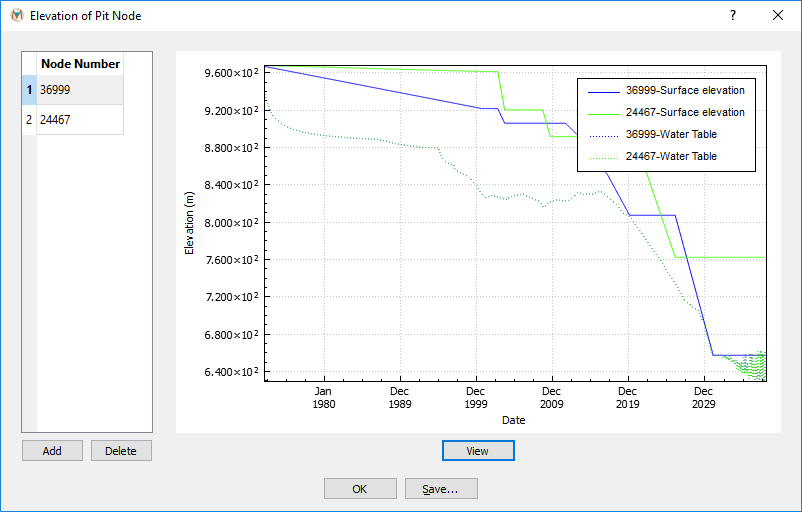
Figure 1: The “Elevation of Pit Node” dialog box
To plot multiple nodes, click “Add”, insert additional node numbers, then click “View.”
| Was this helpful? ... | Itasca Software © 2026, Itasca | Updated: Sep 09, 2026 |
