
Execute
To run the simulation, select “Execute” from the “Run” drop-down
menu on the Main Menu banner. The “Choose a
Working Directory” window opens. Choose the folder containing input
files and click “Select Folder.” A window shown in
fig-model-run-output opens.
The simulation’s progress appears at the top of the window. Non-fatal errors
display in red in the progress window on the
left. The file MINEDW.ERR can be reviewed after each model run to
view errors. The “Abort” button terminates the simulation,
while the “Output Current Result” button prints current
simulation results to output files.
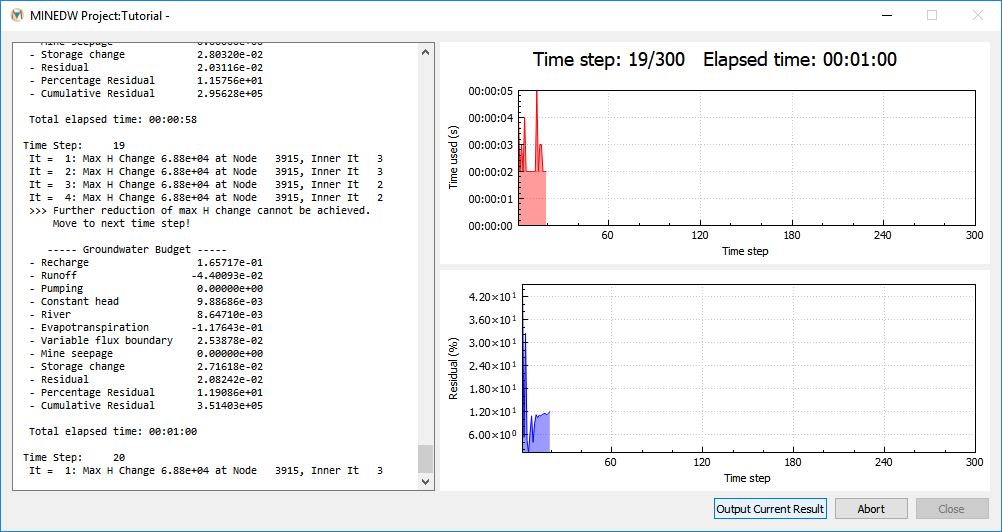
Figure 1: Screen display of output from the model run
| Was this helpful? ... | Itasca Software © 2026, Itasca | Updated: Sep 09, 2026 |
